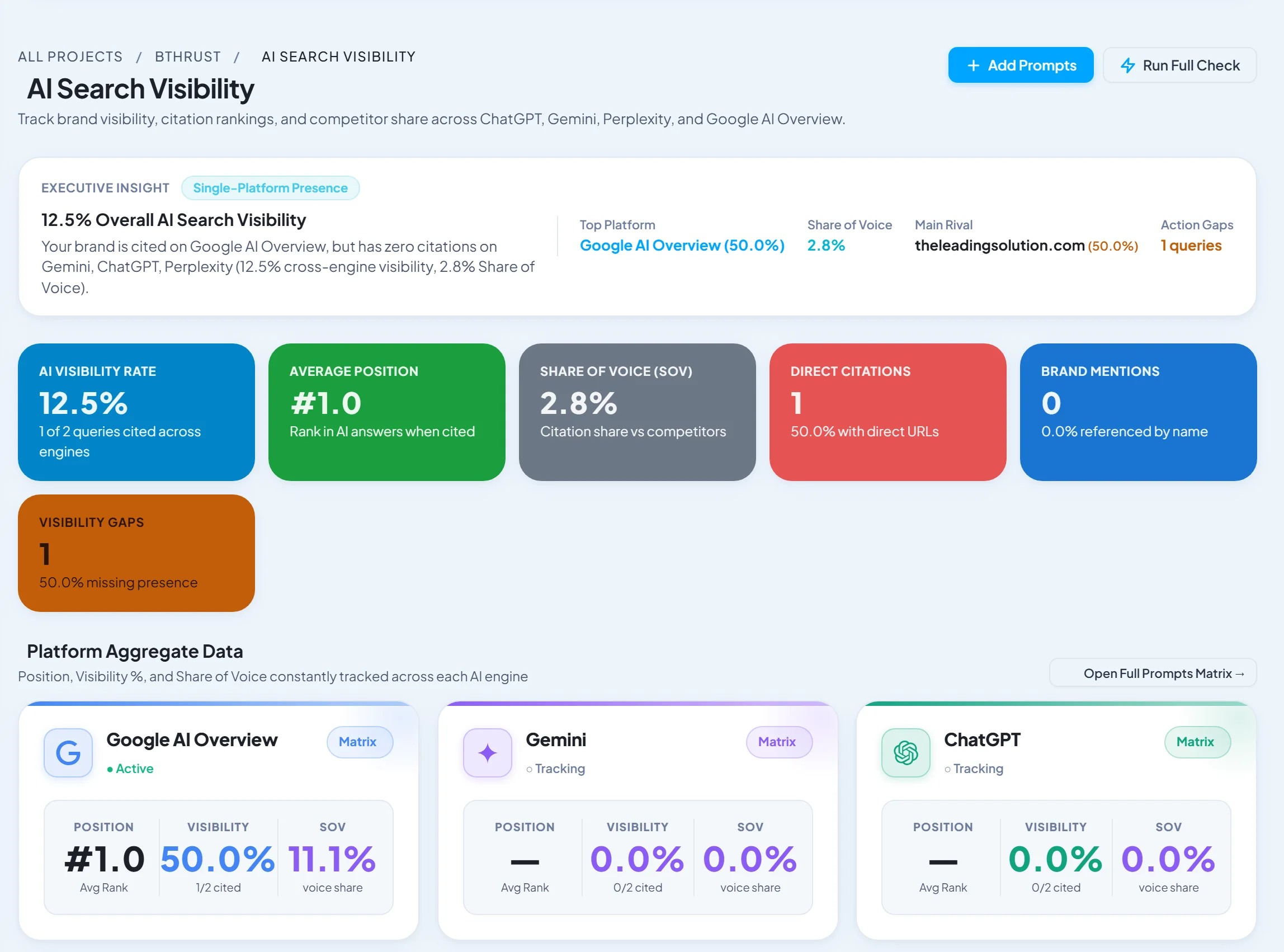
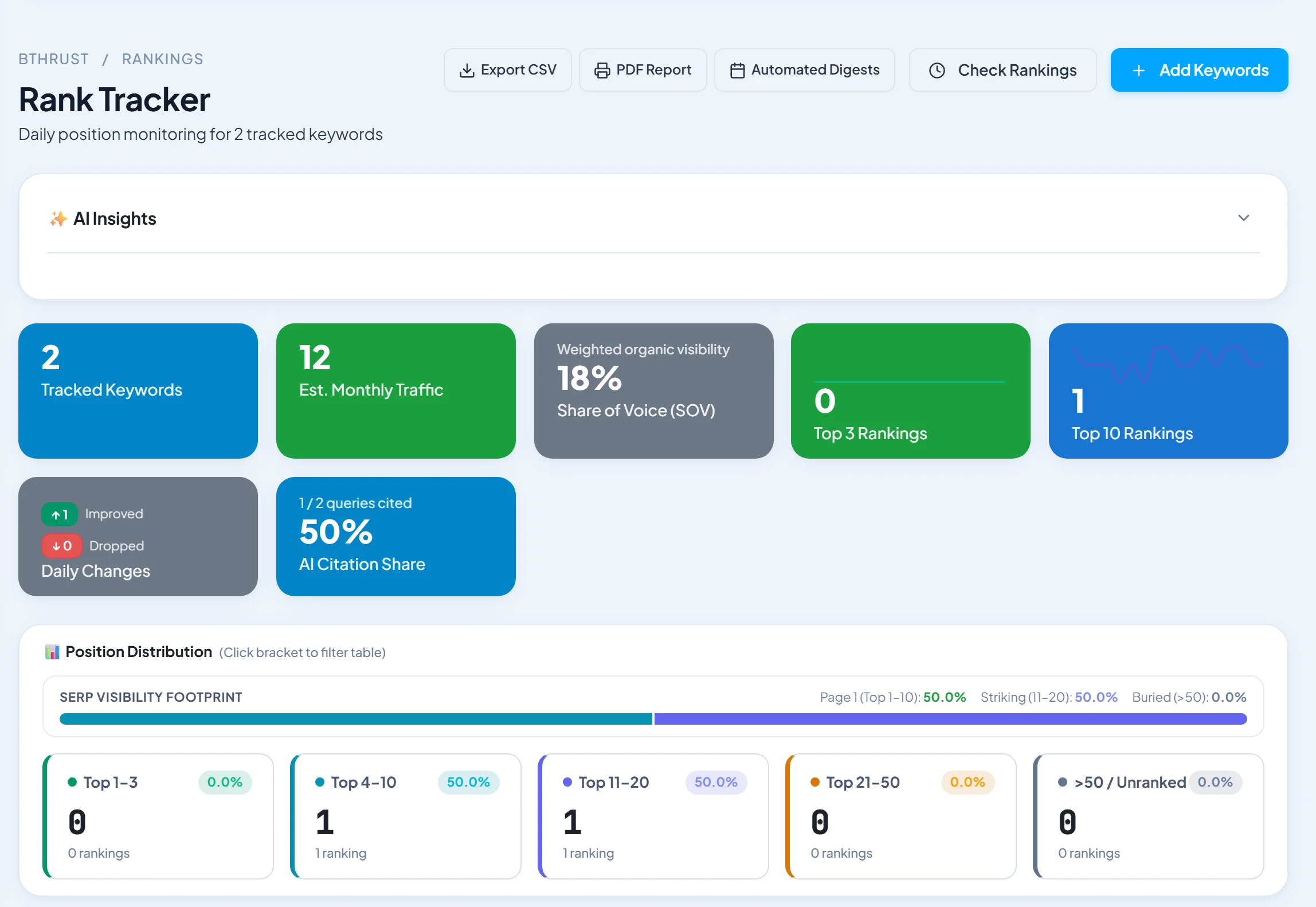
Short answer: SEOTesting is the best tool for getting more out of Google Search Console, with long-term storage, deeper reports, cannibalization checks and SEO tests. SEO Runway is best if you want Search Console next to rank tracking and audits with automatic cannibalization alerts. Search Analytics for Sheets is the best free way past the 1,000-row export limit. For combined GA4 and GSC dashboards, see our SEO dashboard tools.
Disclosure: SEO Runway is our product. We ranked it using the same criteria as every other tool, and noted where others do better.
Quick picks
- Best dedicated GSC tool: SEOTesting
- Best GSC + rank tracking + alerts: SEO Runway
- Best free export: Search Analytics for Sheets
- Best free dashboards: Looker Studio
- Best for crawl + GSC data: Screaming Frog
Search Console tools compared
| Tool | Rows beyond UI limit | Analysis features | Alerts | From |
|---|---|---|---|---|
| SEOTesting | Yes, stored long-term | Cannibalization, decay, tests | Yes | See site* |
| SEO Runway | Via API | Cannibalization, GA4, rank | Cannibalization alerts | $49/mo |
| Search Analytics for Sheets | Yes | Exports, scheduled backups | No | Free |
| Looker Studio | Yes (connector) | Custom dashboards | No | Free |
| Ahrefs Webmaster Tools | Own data | Site audit, links | Partial | Free |
| Screaming Frog | Via API | GSC data in crawls | No | ~£199/yr* |
| GSC Insights (Keyword Insights) | Yes | Clustering of GSC queries | Check | See site* |
| Semrush | Via integration | GSC in Organic Traffic Insights | Partial | ~$139/mo* |
| Moz Pro | Via integration | Partial | Partial | ~$49/mo* |
| Sitebulb | Via API | GSC in audits | No | See site* |
*Approximate; verify.
How we chose these tools
We compared each tool's published features, plans and documentation on four criteria: data beyond the interface limits, analysis features, alerts, and price.
1. SEOTesting: best dedicated GSC tool
Verdict: stores your GSC data long-term and adds the reports Google doesn't.
Pros: GSC depth; SEO testing.
Cons: no rank tracking or audits.
2. SEO Runway: best GSC with rank tracking and alerts
Verdict: Search Console and GA4 in one dashboard, keyword cannibalization detection with alerts, and rank tracking and audits in the same project.
Pricing: Core SEO from $49/month; 14-day free trial. See plans.
Pros: GSC in context; automatic alerts.
Cons: fewer GSC-specific reports (decay, tests) than SEOTesting.
3. Search Analytics for Sheets: best free export
Verdict: pulls up to tens of thousands of rows into Google Sheets, with scheduled backups.
Pros: free; backups.
Cons: analysis is up to you.
4. Looker Studio: best free dashboards
Verdict: a native GSC connector for custom dashboards.
Pros: free; flexible.
Cons: build time.
5. Ahrefs Webmaster Tools: best free companion
Verdict: free site audit and backlink data for verified sites.
Pros: free.
Cons: not GSC analysis.
6. Screaming Frog: best crawl + GSC
Verdict: joins GSC clicks and impressions to crawl data.
Pros: technical context.
Cons: manual analysis.
7. GSC Insights by Keyword Insights: best query clustering
Verdict: clusters your GSC queries into topics.
Pros: topic view.
Cons: paid.
8. Semrush: best for Semrush users
Verdict: GSC data in Organic Traffic Insights.
Pros: integrated.
Cons: cost.
9. Moz Pro: best for Moz users
Verdict: GSC integration with Moz data.
Pros: familiar.
Cons: lighter GSC analysis.
10. Sitebulb: best audit + GSC
Verdict: GSC data inside audit hints.
Pros: prioritisation.
Cons: desktop-first.
10 Search Console analyses you can't do in the interface
- Export every query, not just 1,000.
- Keep more than 16 months of history.
- Map every query to every page that gets impressions (cannibalization).
- Find CTR gaps: high impressions and low CTR at positions 1–5.
- Spot content decay: pages losing clicks for three or more months.
- Cluster queries into topics.
- Compare branded vs non-branded traffic at scale.
- Join GSC with crawl data (indexable pages with no impressions).
- Join GSC with GA4 conversions by landing page.
- Set alerts for sudden drops by page or query.
Related guides
Frequently asked questions
How do I export more than 1,000 rows from Search Console?
Use the Search Console API through a tool such as Search Analytics for Sheets, Looker Studio, Screaming Frog or SEOTesting.
Which tools connect to Search Console?
Most SEO platforms, including SEO Runway, Semrush, Ahrefs and Moz, plus dashboards such as Looker Studio and Databox and crawlers such as Screaming Frog and Sitebulb.
How long does Google keep Search Console data?
16 months. Back it up with an API-based tool if you want longer history.
The bottom line
- Deep GSC analysis: SEOTesting.
- GSC with rank, audit and cannibalization alerts: SEO Runway.
- Free: Search Analytics for Sheets and Looker Studio.
Start a 14-day free trial of SEO Runway and connect Search Console, or see the SEO workspace.