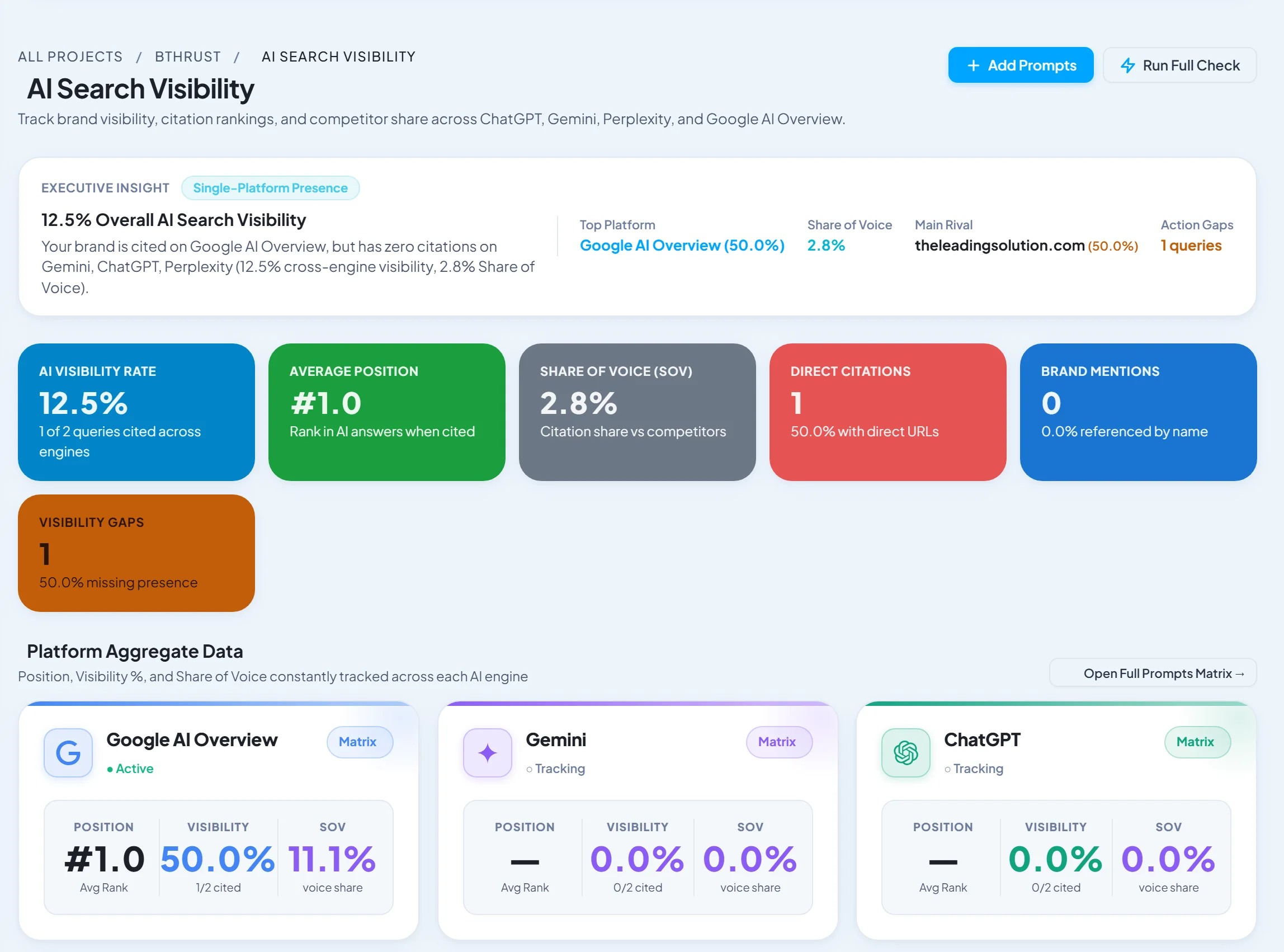
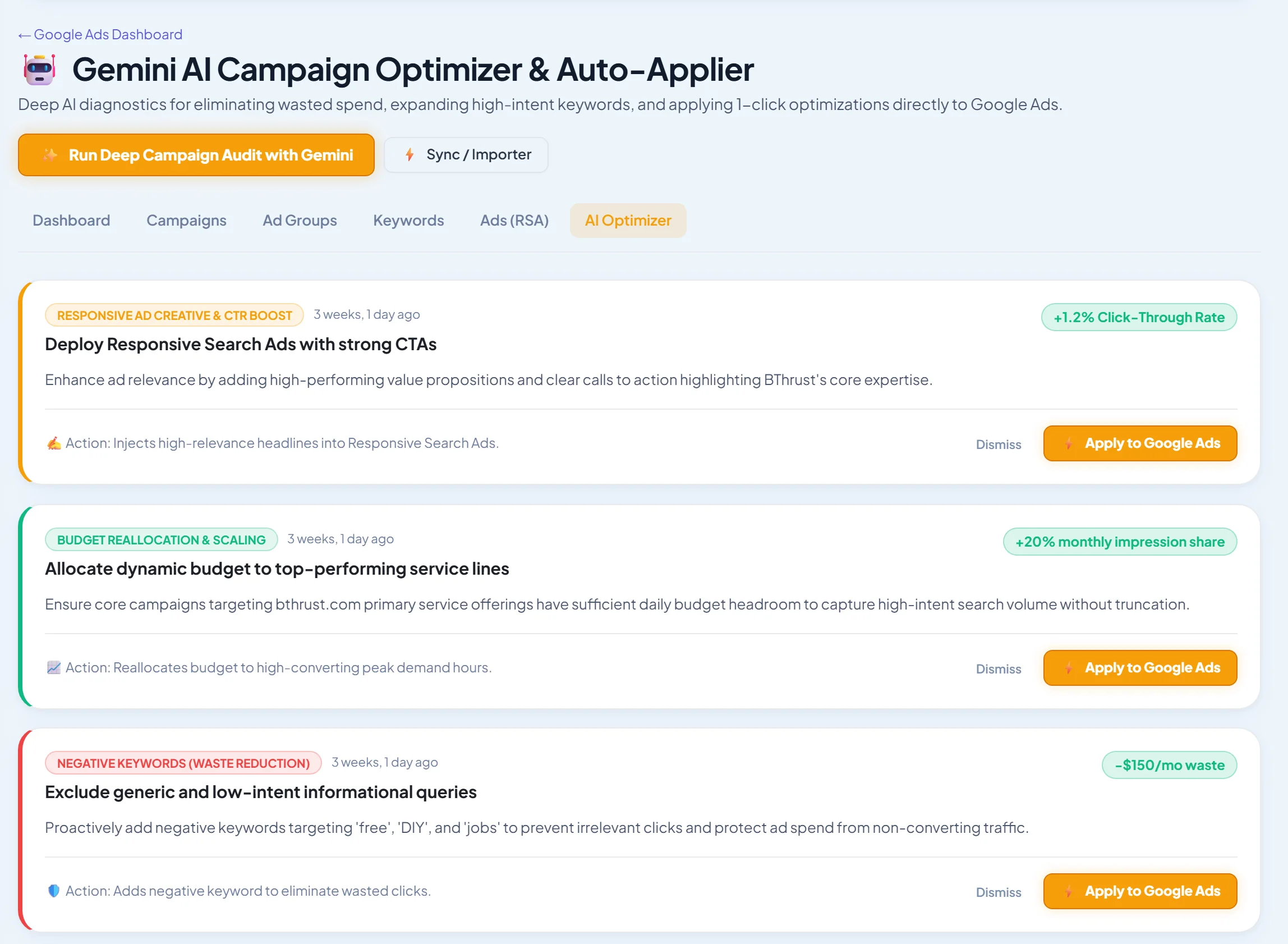
Short answer: Swydo is the best dedicated Google Ads reporting tool, with deep PPC metrics, templates and monitoring. SEO Runway is best when you report Google Ads alongside SEO, local and AI visibility: results come straight from the project into one white-label report. Looker Studio is the best free option. For multi-channel client reports, see our client reporting tools.
Disclosure: SEO Runway is our product. We ranked it using the same criteria as every other tool, and noted where others do better.
Quick picks
- Best PPC reporting specialist: Swydo
- Best Ads + SEO in one report: SEO Runway
- Best free: Looker Studio
- Simplest: DashThis
- Best portal: AgencyAnalytics
Google Ads reporting tools compared
| Tool | Ads metric depth | Templates | Scheduling | White-label | From |
|---|---|---|---|---|---|
| Swydo | Deep | Yes | Yes | Full | See site* |
| SEO Runway | [verify] | Yes | Yes | Logo + share link | $29 (Ads) |
| Looker Studio | Deep (native connector) | Community | Manual | Free | |
| DashThis | Good | Yes | Yes | Full | ~$49* |
| AgencyAnalytics | Good | Yes | Yes | Full + portal | ~$79* |
| Whatagraph | Good | Yes | Yes | Full | See site* |
| Optmyzr | Deep | Yes | Yes | Yes | ~$209* |
| Supermetrics | Deep (pipeline) | Templates | Yes | Via destination | See site* |
| Porter Metrics | Good | Looker templates | Via Looker | Via Looker | See site* |
| Adzooma | Basic | Yes | Yes | Partial | Free plan* |
*Approximate; verify.
How we chose these tools
We compared each tool's published features, plans and documentation on five criteria: Google Ads metric depth, templates, scheduling, white-label, and price.
1. Swydo: best PPC reporting specialist
Verdict: deep Google and Microsoft Ads reporting with templates and KPI monitoring.
Pros: PPC depth; monitoring.
Cons: less SEO depth.
2. SEO Runway: best Ads + SEO in one report
Verdict: Google Ads results from the connected account appear in the same white-label report as rankings, Search Console, local and AI visibility, with scheduled delivery and a client share link.
Pricing: Google Ads from $29/month; 14-day free trial. See plans.
Pros: one report per client; no connectors.
Cons: Google Ads only (no Microsoft or Meta Ads); fewer PPC chart types than Swydo.
3. Looker Studio: best free
Verdict: a native Google Ads connector and full customisation.
Pros: free.
Cons: build time.
4. DashThis: simplest
Verdict: PPC templates in minutes.
Pros: ease.
Cons: per-dashboard pricing.
5. AgencyAnalytics: best portal
Verdict: PPC in a full client portal.
Pros: portal.
Cons: per-client pricing.
6. Whatagraph: best visuals
Verdict: attractive cross-channel PPC reports.
Pros: design.
Cons: price.
7. Optmyzr: best for optimisation + reports
Verdict: reports built into the optimisation toolkit.
Pros: one tool.
Cons: cost.
8. Supermetrics: best data pipeline
Verdict: Ads data into Sheets, Looker Studio or a warehouse.
Pros: flexibility.
Cons: you build reports.
9. Porter Metrics: best Looker Studio templates
Verdict: connectors and ready-made Looker templates.
Pros: templates.
Cons: Looker limits.
10. Adzooma: best free basic reports
Verdict: simple reports with a free plan.
Pros: free.
Cons: basic.
The ideal monthly PPC report
- Summary: results versus target, in three lines.
- Outcomes: conversions, cost per conversion, conversion value and ROAS.
- Spend: actual versus budget, and pacing.
- Campaign breakdown: top and bottom performers.
- Search terms: waste removed and new keywords added.
- Tests: ad and landing page tests, with results.
- Next month: planned changes.
Related guides
Frequently asked questions
What should a Google Ads report include?
Conversions, cost per conversion, value or ROAS, spend against budget, top campaigns, search-term changes, tests and next steps.
Can I automate PPC reports?
Yes. Most reporting tools schedule reports to send automatically. Add a short written summary before they go out.
Is Looker Studio good for Google Ads reporting?
Yes. It has a free native connector. It takes time to build and maintain, and white-label options are limited.
The bottom line
- PPC specialists: Swydo.
- Ads reported with SEO in one white-label report: SEO Runway.
- Free: Looker Studio.
- Simplest: DashThis.
Start a 14-day free trial of SEO Runway, or see the agency hub.