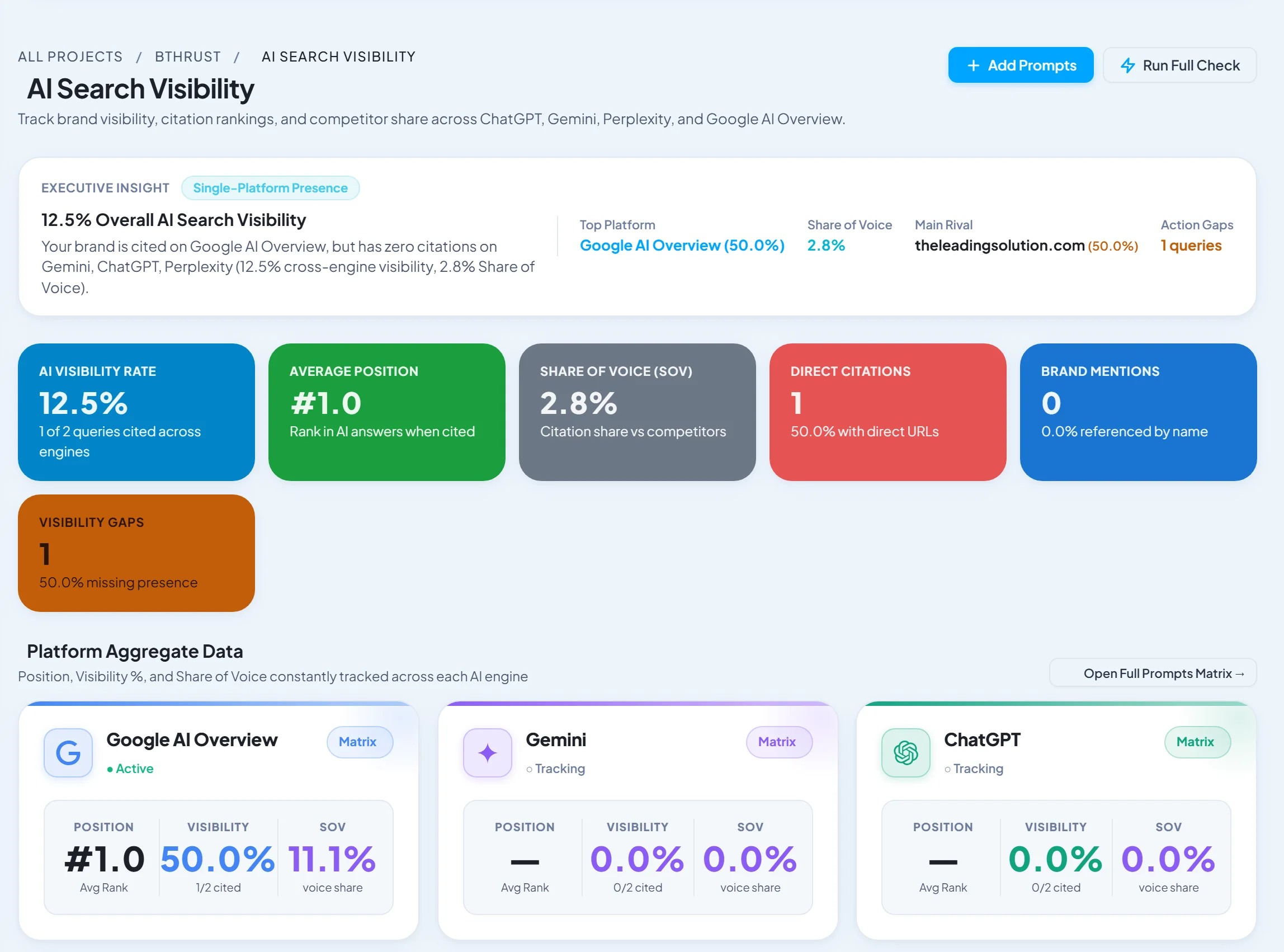
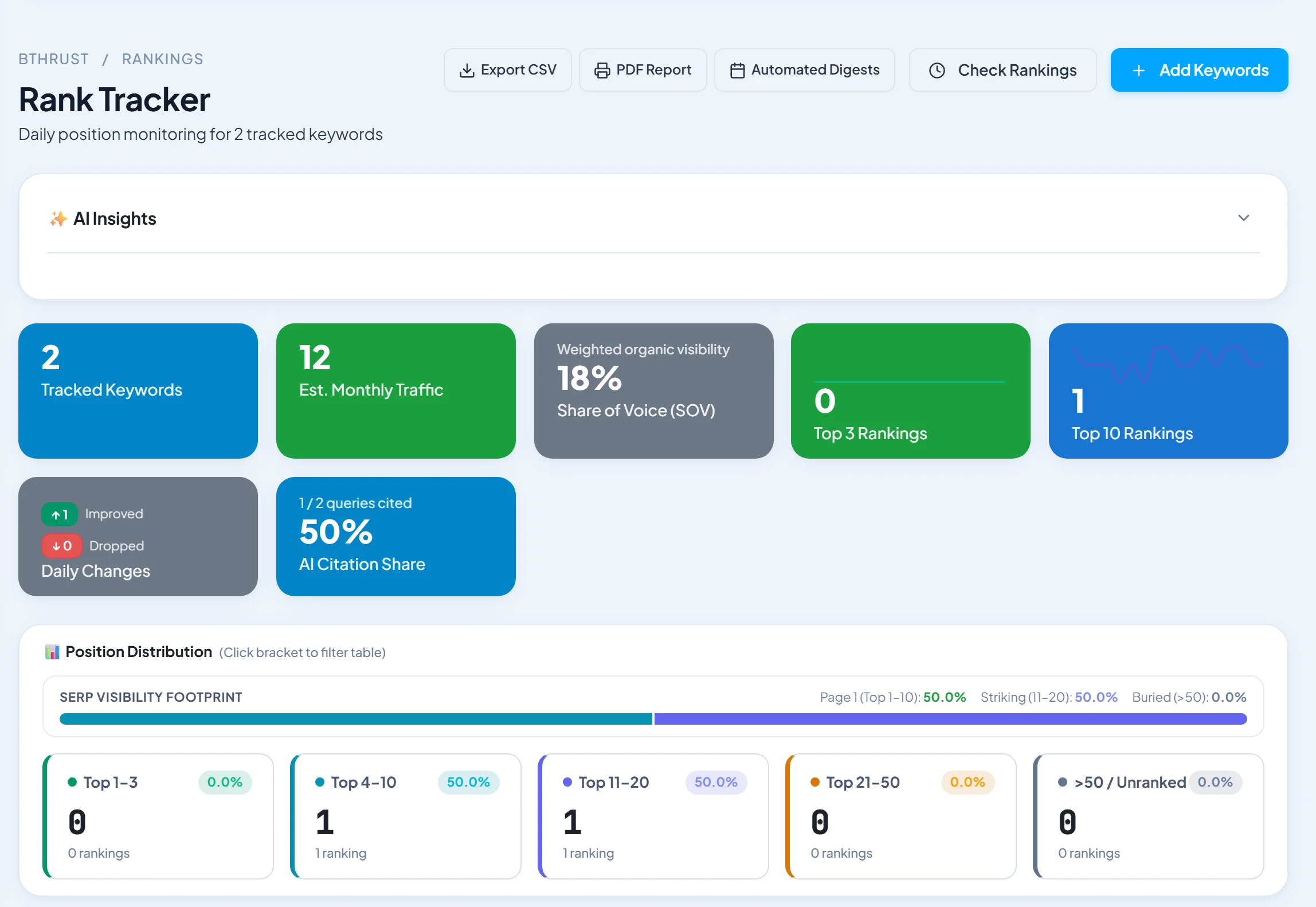
Short answer: Semrush Site Audit is the most popular all-round SEO audit tool. SEO Runway is the best choice if you want issues ranked by impact, page-level fixes and a written AI action plan your team or client can follow. Screaming Frog remains the essential desktop crawler for hands-on technical SEOs.
Disclosure: SEO Runway is our product. We ranked it using the same criteria as every other tool, and noted where others do better.
Quick picks
- Most popular all-rounder: Semrush Site Audit
- Best prioritised action plan: SEO Runway
- Best for technical SEOs: Screaming Frog
- Best visual explanations: Sitebulb
- Best for enterprise: Lumar
SEO audit tools compared
| Tool | Pages per crawl (entry) | Scheduled crawls | Prioritised | Fix guidance | AI plan | White-label export | From |
|---|---|---|---|---|---|---|---|
| Semrush Site Audit | [verify] | Yes | Yes | Yes | Partial | Add-on | ~$139/mo* |
| SEO Runway | [verify] | Yes | By impact | Page-level | Written Gemini plan | Yes | $49/mo |
| Screaming Frog | 500 free, unlimited paid | Yes (paid) | Partial | Issue explanations | AI integrations | No | ~£199/yr* |
| Ahrefs Site Audit | [verify] | Yes | Yes | Yes | Partial | No | ~$129/mo* |
| Sitebulb | Plan-based | Yes | Hints by priority | Detailed | Check | Yes | See site* |
| SE Ranking | [verify] | Yes | Yes | Yes | Check | Yes | ~$65/mo* |
| Moz Pro | [verify] | Weekly | Yes | Yes | Check | Partial | ~$49/mo* |
| Seobility | Free tier | Yes | Yes | Yes | No | Partial | Free / paid* |
| Sitechecker | [verify] | Yes | Yes | Yes | Check | Yes | See site* |
| Lumar | Enterprise scale | Yes | Yes | Yes | Check | Yes | Sales-led* |
*Approximate; verify.
How we chose these tools
We compared each tool's published features, plans and documentation on seven criteria: issue coverage, prioritisation by impact, fix guidance, scheduled re-crawls and alerts, crawl limits, AI action plans, and report export.
1. Semrush Site Audit: most popular all-rounder
Verdict: broad checks, a health score, thematic reports and scheduling, inside the Semrush suite.
Pros: coverage; clear reports; integration.
Cons: page limits per plan; cost.
2. SEO Runway: best prioritised action plan
Verdict: a cloud crawler with a health score that ranks issues by impact, shows page-level fixes and writes a plain-English Gemini action plan, next to your rankings and Search Console data.
Key features: crawler with health score; issues ranked by impact with page-level fixes; scheduled re-crawls; a written AI action plan; an AI-readiness audit (AI-crawler access, llms.txt); white-label reports.
Pricing: Core SEO from $49/month; 14-day free trial. See plans.
Pros: tells you what to fix first; easy for non-specialists; AI readiness included.
Cons: no log-file analysis or enterprise-scale JavaScript crawling; fewer custom extraction options than Screaming Frog.
3. Screaming Frog: best for technical SEOs
Verdict: the industry-standard desktop crawler, with deep configuration.
Pros: depth; custom extraction; JS rendering; great value.
Cons: a steep learning curve; runs on your machine.
4. Ahrefs Site Audit: best for Ahrefs users
Verdict: fast cloud audits with strong internal link and indexability insights.
Pros: integrated data.
Cons: usage limits by plan.
5. Sitebulb: best visual explanations
Verdict: explains every issue clearly with prioritised hints and visual reports.
Pros: education; client-friendly reports.
Cons: the desktop version needs a powerful machine.
6. SE Ranking: best value audit
Verdict: a solid scheduled audit inside an affordable suite.
Pros: value.
Cons: less depth than specialists.
7. Moz Pro: best for Moz users
Verdict: a weekly Site Crawl with clear issue categories.
Pros: simple.
Cons: crawl limits.
8. Seobility: best free tier
Verdict: a generous free crawl and clear on-page checks.
Pros: free start.
Cons: limited at scale.
9. Sitechecker: best for monitoring
Verdict: site monitoring with change alerts.
Pros: alerts.
Cons: fewer advanced checks.
10. Lumar: best for enterprise
Verdict: enterprise technical SEO platform for very large sites.
Pros: scale; automation.
Cons: enterprise pricing.
What a good audit checks: 30 points
- Pages return 200 (not 4xx/5xx)
- No redirect chains or loops
- HTTPS everywhere, no mixed content
- robots.txt doesn't block important pages
- XML sitemap exists, is submitted and is clean
- Important pages are indexable (no stray noindex)
- Canonical tags point to the right URLs
- No duplicate titles
- No missing or overlong titles
- Meta descriptions present and unique
- One H1 per page
- Logical heading structure
- No thin pages
- No duplicate content
- Images have alt text
- Images are compressed and sized
- Broken internal links fixed
- Broken external links fixed
- No orphan pages
- Important pages within 3 clicks of home
- Pages load quickly
- Mobile-friendly layout
- Structured data is valid
- hreflang is correct (multi-language sites)
- Pagination is handled
- URL structure is clean
- No soft 404s
- AI crawlers are allowed where wanted
- Internal anchor text is descriptive
- Search Console has no coverage or manual-action issues
From audit to fixed: a workflow
- Crawl and note the baseline health score.
- Triage: indexing and broken pages first, then on-page, then nice-to-haves.
- Turn issues into tasks with an owner and a due date.
- Fix in batches by template (one change can fix hundreds of pages).
- Re-crawl to confirm, and watch Search Console for changes.
How often to audit
Run a full crawl monthly for most sites and weekly for large or frequently changing ones. Run one immediately after a redesign, migration or CMS update. Scheduled crawls with alerts catch problems before rankings drop.
More audit guides
- Technical SEO tools and crawlers
- White-label SEO audit tools for agencies
- Free SEO audit tools
- Content optimization tools
- SEO dashboard tools
Frequently asked questions
How often should I run an SEO audit?
Monthly for most sites, weekly for large or frequently updated sites, and always after a migration or redesign.
What is a good site health score?
Above 90% is strong, and 70–90% means there's work to do. More important than the score is whether high-impact issues, such as indexing problems and broken pages, are fixed.
Can an audit tool fix issues automatically?
Most can't change your site directly. They tell you what to fix and how. Some tools automate on-page changes, but every automated change should be reviewed.
What's the difference between an SEO audit and a technical audit?
A technical audit covers crawling, indexing, speed and structure. A full SEO audit adds on-page content, keywords, links and competitors.
Do I need a paid audit tool?
Small sites can start with free tools (see our free audit tools). Paid tools add scheduling, larger crawls, prioritisation and reports.
The bottom line
- All-round audits in a research suite: Semrush.
- Teams wanting a prioritised plan they can act on: SEO Runway.
- Technical SEOs: Screaming Frog or Sitebulb.
- Enterprise sites: Lumar.
Start a 14-day free trial of SEO Runway and get your first AI action plan, or see the SEO workspace.